
Release 2026.10.10
The reference shoot in the studio, Direction before generation, Cancel that cancels
14 new5 improved2 fixed
2026.10.10Oct 10, 2026ReleaseOct 10, 2026
The reference shoot in the studio, Direction before generation, Cancel that cancels
The DoP prepares a shot from the team's reference shoot and loads it into the Shot generator in one press, and a final frame can be restored through the cast's own pictures; every pre-production department takes a Direction and your own pictures as takes; the DoP reads the film's references and the sensor; Cancel stops a render at the provider; Seedance gets a Final frame and a test clip; Render edits a finished clip; the breakdown has Vehicles.
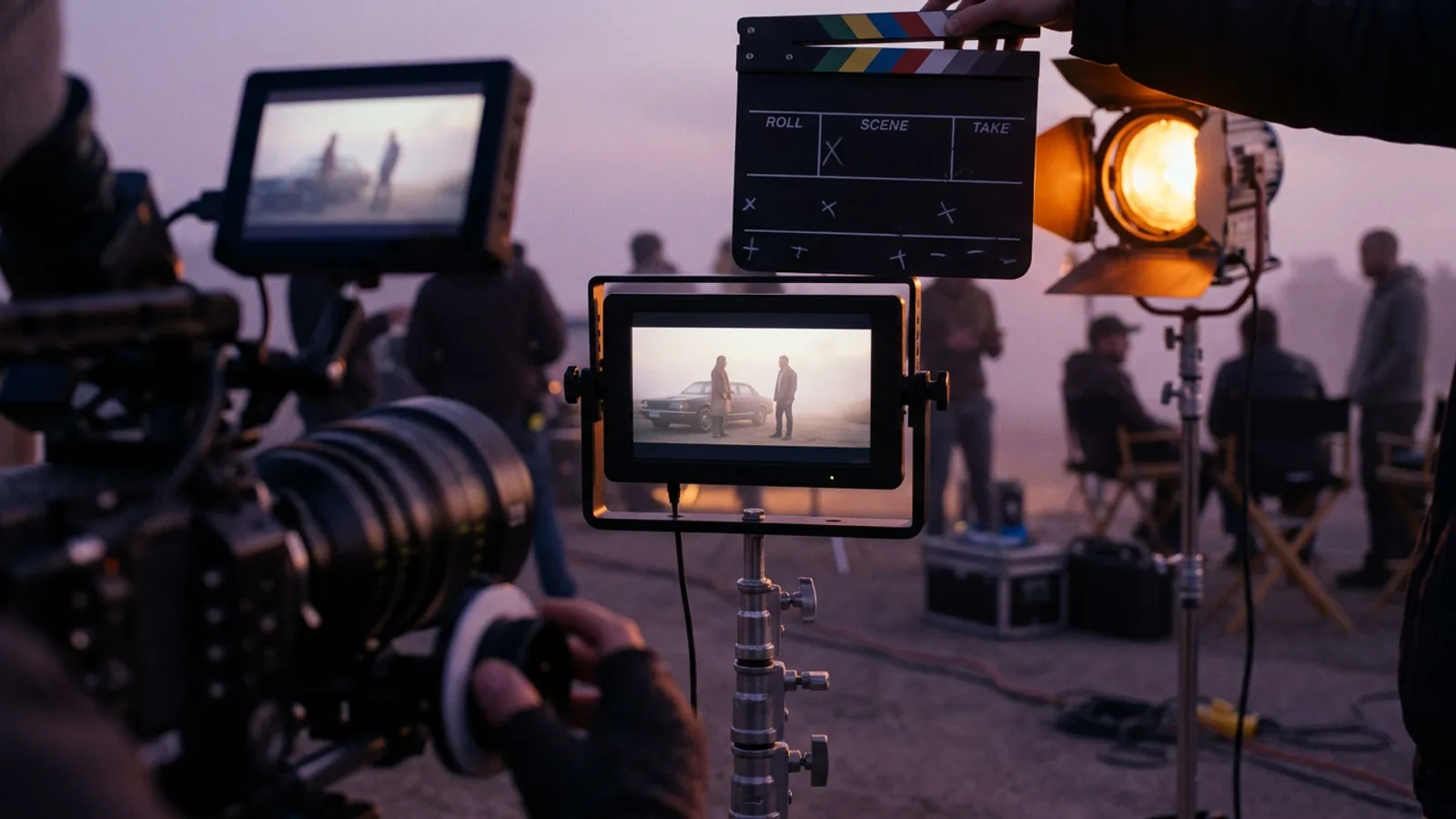
NewCameraThe reference shoot, prepared by the DoP. The DoP's window has a Reference tab: the shot as the team played it with stand-ins — the clip, a frame of it, who is who in that frame, the pictures the generator gets and the master shot's acting, marked as the director's. Load into Shot generator builds the final frame on that frame's composition with who is who in its prompt, and sets a Seedance sequence in Reference mode with the stand-in clip as @Video1, a prompt draft with the acting and the clip's length. A setup you worked on is never replaced unasked — Replace or Add — and the Shot generator quietly says when the reference changed after it was loaded.
NewShot generatorRestore through refs. On any final frame take: the frame is blurred until its faces lose who they are, then redrawn from the cast's own pictures and the location's — the composition, the poses and the light stay. It asks first with the pictures in the order the model gets them, the blur (Light, Medium or Strong, starting from the shot's size), the model and its price; the restored frame is a new take beside its source, marked Restored · TK01.
ImprovedShot generatorDraft with AI plays the master shot's acting in a scene's coverage, and binds the stand-in clip as the reference video.
NewPre-productionA Direction for every department. Casting, Costume, Makeup & Hair, Production design and Lighting open on a Direction — write once how the department should work on this project, and its agent follows it on every pass. In Casting, Rewrite with Casting Director writes a character again under it.
ImprovedPre-productionPrompt first. The words a button spends sit above it: a character's appearance and visual identity open Casting's camera test, and a costume look reads its name, description and references before Design the garment and Dress.
NewPre-productionYour own pictures are takes. Upload — or drop — a photo on any Casting view, any view of a makeup look, a costume look's garment or a location plate: it becomes the take, marked Your photo, and earlier takes stay in the history. Gaffer has Lighting references — pictures of the light a scene should have, followed by every Draft and Relight.
NewCameraThe sensor, and the camera from the DoP's chat. Full frame, Super 35 or Super 16 sits beside the Camera, and the window works out what the lens takes in — 50mm on Super 35 frames like a 72mm on full frame. Ask the DoP in chat to change a shot's camera: it comes back as a proposal in the vocabulary's own terms, and Apply writes it.
NewReferencesClips and Camera movement in References, read by the DoP. Bring in clips as well as pictures and file a camera move under Camera movement. What you approve for Composition, Camera movement, Palette or Mood shapes the DoP's camera when a scene is prepped, and Draft with AI on a Seedance sequence.
NewShot generatorChoose what a shot covers in the script. Click sentences and lines in the Screenplay beside the Shot generator; Draft with AI writes exactly that part, with exactly those lines. Back to the shot list undoes it.
FixedShot generatorCancel stops the render at the provider. At fal and Runway, Cancel ends the job — free while it is still queued — keeps no take, and says whether it was charged; on Magnific the bar says the render runs to the end. In Render, an edit made during the five seconds goes with the run.← from post #24 · suggested by 1 person
ImprovedShot generatorReferences in your order. Drag the final frame's references, or move one with Alt+← / Alt+→: they are sent in that order. The same for attachments in Render.
NewShot generatorA Final frame for Seedance. A Seedance sequence designs its hero frame from your references, one marked as the composition source; approve it and press Use as opening frame — the clip opens on it as @Image1.
NewShot generatorA test clip, then the full render. Seedance test makes a 4 s, 480p clip you can watch; Render full under it makes the same build at the planned length in 1080p with the same seed. Seedance 2.5's seed can be pinned, and every clip shows its seed.← from post #21 · suggested by 1 person
NewGalleryUse this frame. On any clip — a take, the gallery, Render, References or Program — take the frame under the playhead, at the clip's own size, into the project gallery, ready as a reference.
FixedBreakdownVehicles have a column of their own. A car, a bus, a train or one of its carriages is no longer filed as a prop — breakdowns already made have theirs moved. The sheet's Props and Set dressing also show what the Props window holds, marked +; in a new breakdown, script days never run backwards and read D1, D2…; Esc in a cell cancels the edit instead of closing the sheet.
NewProjectsDownload template. Under each upload slot of a new project: the scene breakdown and the shot list in the structure the studio reads best, as CSV or XLSX.
ImprovedSettingsSettings → Dictionaries is now Vocabulary.
ImprovedSiteEvery release shows its cover in the changelog and on its own page, not only the newest one.
NewRenderChange a finished clip without shooting it again. Pick Video edit in the catalogue, attach the take as the source and say what should change — the product, the background, the light, a character. Framing, timing and the camera move stay as they were. Fifteen new models sit there beside the Kling editors: FLUX.3 Edit Video, Gemini Omni Flash, Wan 2.7, Happy Horse, Grok Imagine, Luma Ray 3.2 Modify, Lucy, Bernini-R, ID-V2V and Kling O3 at 4K.
NewRenderRunway Aleph 2.0, the model behind Runway's Edit Studio. It edits clips of 2–30 seconds at up to 1080p, across cuts. Pin an edited first, middle or last frame to show exactly how a moment should look. It runs on your own Runway key, added in Settings → Profile.
NewRenderRecast, retake, insert. Swap the people in a clip for photos of new ones (MiniMax Recast), re-shoot a few seconds of picture or sound (LTX Retake), or cut a new scene in between two moments of the source (MiniMax Insert).
← Older · 2026.10.09.2Every release gets a coverNewer · 2026.10.10.2 →Watch a release on the studio, and albums that fold
STANISLAVSKY · the directing room for AI film crews