
Release 2026.10.10.3
The reference pipeline, from stand-ins to the final clip
8 new
What changed · 8 scenes · 1:19
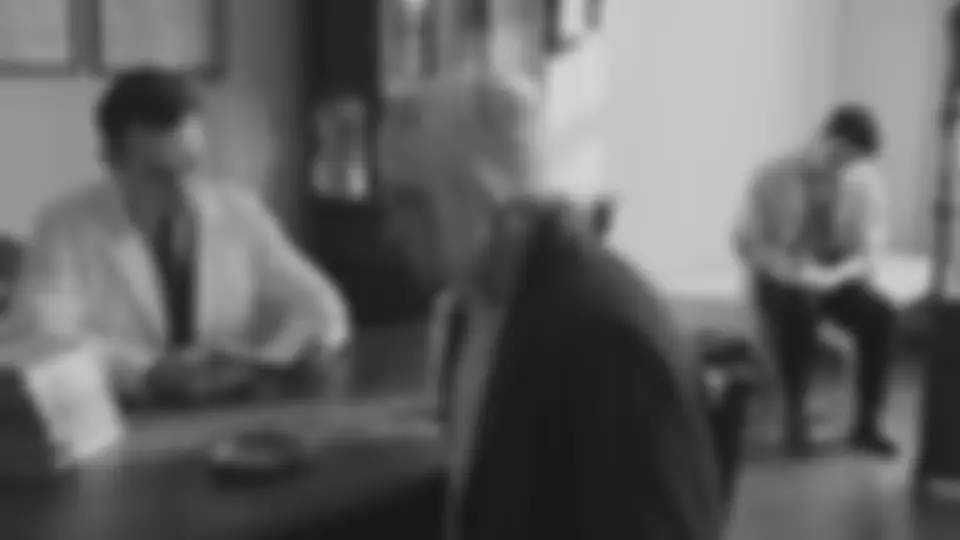
0:00 / 1:19
01 / 08Camera
Shoot it with stand-ins, keep it with the shot
The team plays the shot with stand-ins — the move, the timing, who stands where. The DoP's Reference keeps the clip; Use this frame makes the moment you pick the shot's source frame.
2026.10.10.3Oct 10, 2026ReleaseOct 10, 2026
The reference pipeline, from stand-ins to the final clip
One shot, end to end: the team plays it with stand-ins, the DoP keeps that shoot with the shot and says who is who and which pictures go in, one press loads it into the Shot generator, the final frame keeps the stand-ins' composition, Restore through refs brings the cast's faces back, and Seedance tests before it renders in full. It shipped in 2026.10.10; here it is in the order you use it, played on LURIA's scene 34.
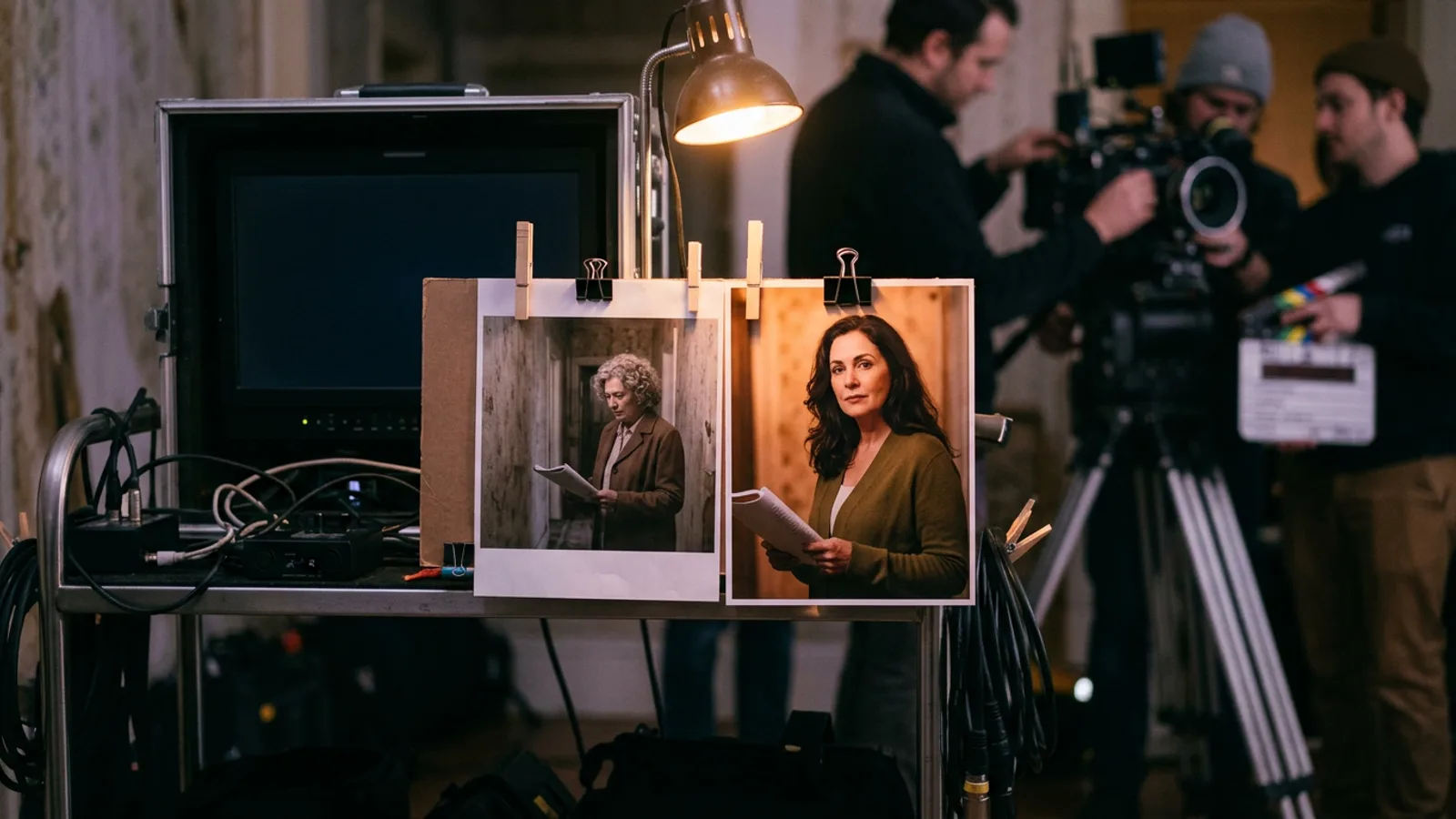
NewCameraShoot it with stand-ins, keep it with the shot. In the DoP's window, Reference holds the stand-in clip — uploaded, dropped or picked From the gallery — and says how long it runs beside the length the shot list plans; Make the clip as long as the video carries that length into the render. Scrub to the moment and press Use this frame: it becomes the shot's source frame, the composition everything after it is built on.See it
NewCameraSay who is who. Click each person on the source frame and say who they play — the shot's cast first, then the rest of the project's; a few words tell two stand-ins apart. The section shows the sentence the final frame's prompt is told: the person on the left in the white coat is LURIA.See it
NewCameraThe references, in the order they are sent. Each person's picture by the Shot generator's own rules, the set, the stills approved for the camera in References. Drag to reorder, or Alt+← / Alt+→; Leave out any.See it
NewCameraThe acting comes from the master shot — its action and the part of the script the shot plays, as the director has it; a coverage shot plays what the master plays. Draft with AI on a Seedance sequence reads it.See it
NewShot generatorOne press loads it all. Load into Shot generator builds the final frame on the source frame's composition, with the references after it and who is who in its prompt, and sets a Seedance sequence to Reference mode: the references as @Image1, @Image2…, the stand-in clip as @Video1, and a prompt that binds them. Loading renders nothing and costs nothing, and never replaces a setup somebody worked on without asking.See it
NewShot generatorThe final frame keeps the stand-ins' composition — the framing, the angle, where each person stands — and takes the faces, the clothes and the room from the references. Approve it and press Use as opening frame: the clip opens on it as @Image1.See it
NewShot generatorRestore through refs when the faces drift: the take is blurred until its faces lose who they are, then redrawn from the cast's and the location's pictures, the composition, poses and light kept. It shows what the model gets, in order, and its price before anything is spent; the restored frame is a new take beside the old.See it
NewShot generatorA test clip first, then the full clip. Seedance test makes the same prompt and references as a four-second, 480p silent clip to watch; Render full under it makes the planned length in 1080p with the same seed.See it
← Older · 2026.10.10.2Watch a release on the studio, and albums that foldNewer · 2026.10.10.4 →A take in another aspect ratio
STANISLAVSKY · the directing room for AI film crews