
Release 2026.09.30
Windows that read like the department
2 new19 improved4 fixed
2026.09.30Sep 30, 2026ReleaseSep 30, 2026
Windows that read like the department
Lighting and Production Design are laid out the way their departments work: Lighting picks a shot and plans it, or compares the scene's shots side by side; a scene's Production Design reads pictures first, one row of steps with what is done ticked. The menus hold only what works, the crew panel shows the crew actually cast, and the sound sheet, sign-up and the pipeline diagram stop claiming what the studio does not do. The guide's dead ends are gone, and Export sits beside Share. One Next step bar over the timeline says what the project needs now, every department is on the timeline with what it waits on, and the timeline works from the keyboard.
ImprovedLightingPlan one shot, or compare them all. The Lighting window lists the scene on the left — its context from Production Design, then one entry per shot with how far its light plan has got, then Compare shots. A shot's details are grouped by who owns them: Lighting, On-set look, and For post with the grade intent. The palette note in the crew chat now comes from the Production Designer.
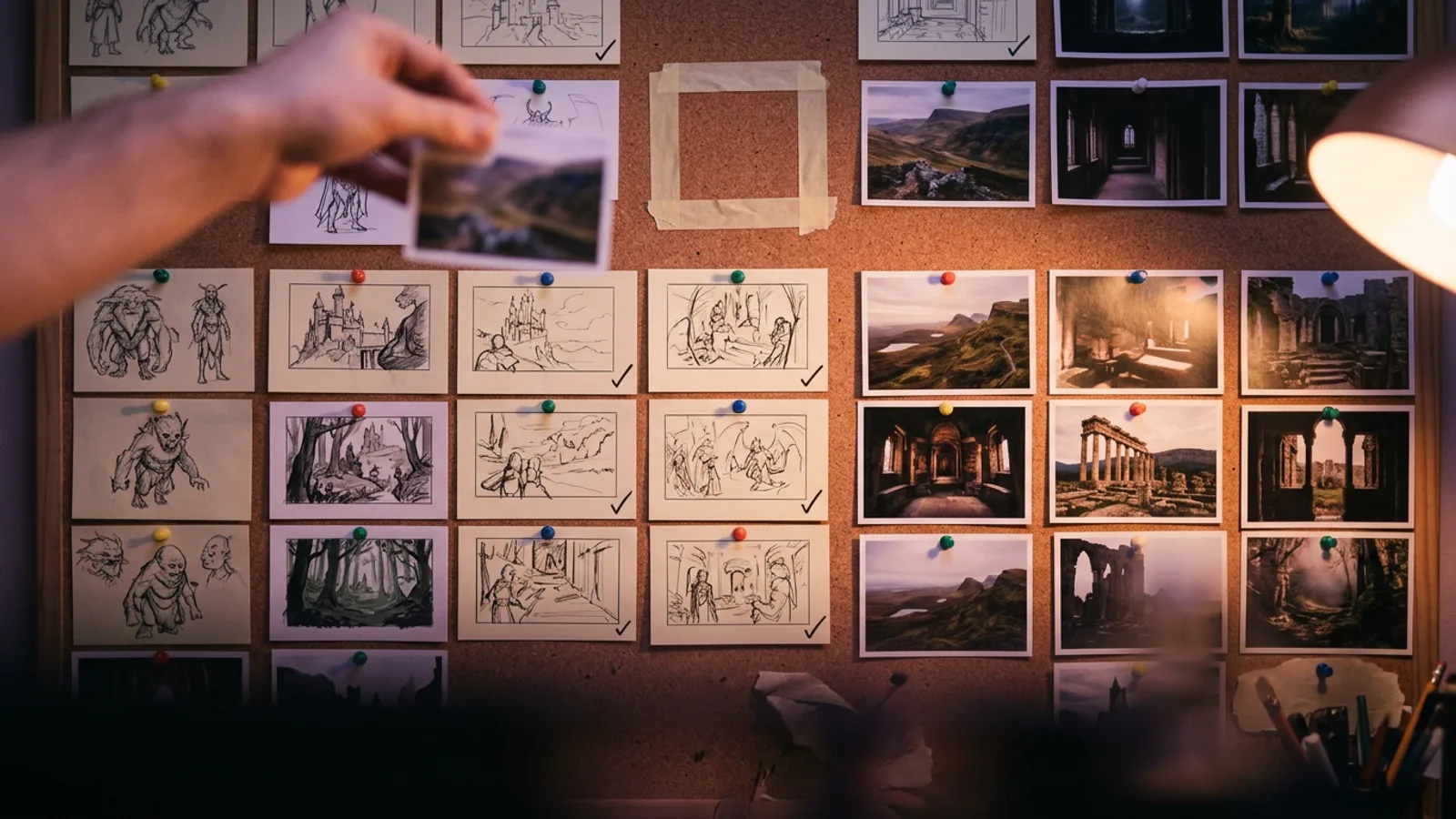
ImprovedProduction DesignA scene's Production Design reads pictures first. One row of steps — Space, Plan, Isometry, Concept sketch, Blocking, References — with a tick on finished ones; the scene's pictures at the top of Space; an empty box with Design for any picture not made yet; and a prompt pointing to the next step. A scene that is already designed opens where you left off. In a references-only production, a Location splits into Concept, Physical design, Palette & light, Reference photos and Generation prompt.
ImprovedEditThe menus hold only what works. File is the project, a new Departments menu opens the work in the order it flows, and entries that did nothing — Save, Cut/Copy/Paste, Set in/out, Add marker, Snap, Run all agents — are gone, with the Redo that only repeated Undo. An Undo arrow sits beside the timeline's zoom; the department filter is remembered for each project, with a dot while it is on; clips on the timeline read Sc 04 · 02 on a track called Clips.
ImprovedCrewThe crew panel shows who is actually cast. Pointing at Crew lists this project's cast — click one to talk to them — or says No crew cast yet with a Cast button. The stand-in roster with its always-working dots is gone, and so are Colorist and Writer, which the studio does not have.
FixedSoundThe sound sheet no longer invents anything. A shot's dialogue is the screenplay's own line, or No line for this shot; a scene nobody has spotted says Not spotted yet. When Preview Stems cannot play, it says why, and the stem switches turn off with it.
FixedHelpThe guide has no dead ends. The tour works from every screen — pick one of your projects, or create one — and during it you press the real, lit button yourself. A window's ? always opens a written page, never Soon. The card and the option that led to pages which did not exist are gone.
NewStudioExport sits beside Share in the top bar and opens Deliverables.
FixedStudioNo more claims the studio cannot back. The top bar no longer says All changes saved when nothing checks it — what a provider error looks like is under Preview service messages in Profile, beside your keys. Sign-up and first-run offer only the crew the studio has. The old diagram is called Pipeline reference, opens in plain words with a Technical details switch, and shows only the checks that really run. The fake search on the studio page is gone.
ImprovedStudioSection titles in department windows are filled pills, so they stand apart from the field labels under them.
NewEditOne Next step bar over the timeline says what the project needs now and carries its button — the prepping run, the breakdown, First steps, then the phase's next action — and stays once First steps are done. Open it for a card per scene while scenes are prepped; press one to prep it. Prep next scene and Full Pre-Production are always on it while scenes wait.
ImprovedEditEvery department is on the timeline once a project has scenes. A block is filled once someone approves it, outlined while it can be worked, and dimmed with a lock while it is waiting on something — hover it to see what. ⛔ still means a real failure or veto, never a step not reached yet.
ImprovedEditThe Departments navigator says what each department waits on — Waiting on Casting · Character set — and marks one as Next. Costume and Makeup sit under Casting.
ImprovedEditThe timeline works from the keyboard. Tab reaches the transport, the playhead (arrows, Shift+arrows, Home/End), scenes, sequences and shots; Enter opens them and Shift+F10 opens their menu; whatever has focus carries a ring.
ImprovedCastingCasting reads as one scroll, pictures first — Camera test, Sheets, References, Character, History — with Next at the bottom. A character's tier sits beside the window title, so you can change it wherever you are.
ImprovedRenderA model's settings read in words — Model thinking, Content filter, Avoid, Answer length — and the provider's tuning waits under Advanced, the same panel in Render, the Shot generator, Retouch and Upscale. Closed, it says how many settings you changed (Advanced · 2 changed); the browser remembers whether it is open.
FixedRenderRandom means random. Render's seed reads Random and the first run after opening the page now sends a random number, not the same fixed one every time; Pin keeps one number, including one you type from a take you liked.
ImprovedStudioThe whole studio in one look. The screens that still wore the old palette now match the rest: Render and the Shot generator, the Bin, Program, Share, the Scene window, the gallery and its viewer, moodboards, the crew's chat beside a window and in Project chat, the crew drawer, Props, the Marketplace and Pipeline reference. Clips on the timeline are drawn in the studio's blue-grey.
ImprovedShotsThe Shot generator reads top to bottom: stages down the side, what matters in the heading, the brief, checks, prompt and model in one rail, with the Design button always in reach at its foot.
ImprovedPropsProps look like every other department: a card per item with its picture and what makes it, the rest under Additional details, Used by picked from your cast. Add a prop with its picture in one step, search props, and deleting one asks first. Designing a prop's reference, an isometry or a concept sketch shows the image model and its price before it spends.
ImprovedEditDeleting or writing a shot asks in a small window instead of the browser's; if it can't be done, the reason stays there with Try again. Program opens full screen, and the Bin's + opens the Project gallery.
ImprovedStudioYour film is a project, everywhere. The list, New project, Render, Workflow, view-only notes, messages, the crew and the Telegram bot, the tour and every error say project; reel now means only the cut. The timeline workspace is Edit, the per-shot window is the Shot generator, and the camera department reads DoP.
ImprovedStudioThe top bar reads in one line: the menus sit inline from 1600px, the layout says just Studio ▾, the screens are Edit · Workflow · Render, and Guide, Export and Share close the row — Chat, ⛔ and Crew are icons with their names on hover.
ImprovedWorkflowFive phases, no Post. A project goes Development → Breakdown → Pre-production → Production → Delivery. Sound and the cut are built in Production, as the shots are approved; picture lock, the colour grade and the mix are the last steps of Delivery.
ImprovedStudioThe rest of the studio in the same look: Account, Dictionaries and System prompts, the studio Overview, Cast your crew, Scene breakdown and Shot breakdown now share the surfaces, top bar and buttons of every other screen. Each crew role has the same colour everywhere.
ImprovedRenderTakes on their way show as placeholder tiles in the shape of the result, and ⌘ Enter in the prompt designs. The Marketplace shows placeholder cards while it loads, and casting a disciple onto a project confirms who is now on it.
← Older · 2026.09.29Screens that say only what is trueNewer · 2026.10.02 →The rest of the new design
STANISLAVSKY · the directing room for AI film crews